Usman Rasheed
Full Stack Developer

Blogify
Blogify is a modern personal blogging system designed around the complete publishing lifecycle. It lets people discover and filter articles, lets authors create and manage content, lets users participate in discussions, and gives administrators the controls needed to moderate the platform. Its dual-engine database layer keeps the same application usable on traditional PHP hosting and serverless Vercel deployments.
Stack
PHP
MySQL
SQLite
JavaScript
HTML5
CSS3
PDO
Vercel
Apache
1
2
3
4
The Public Feed
A focused reading experience for discovering articles
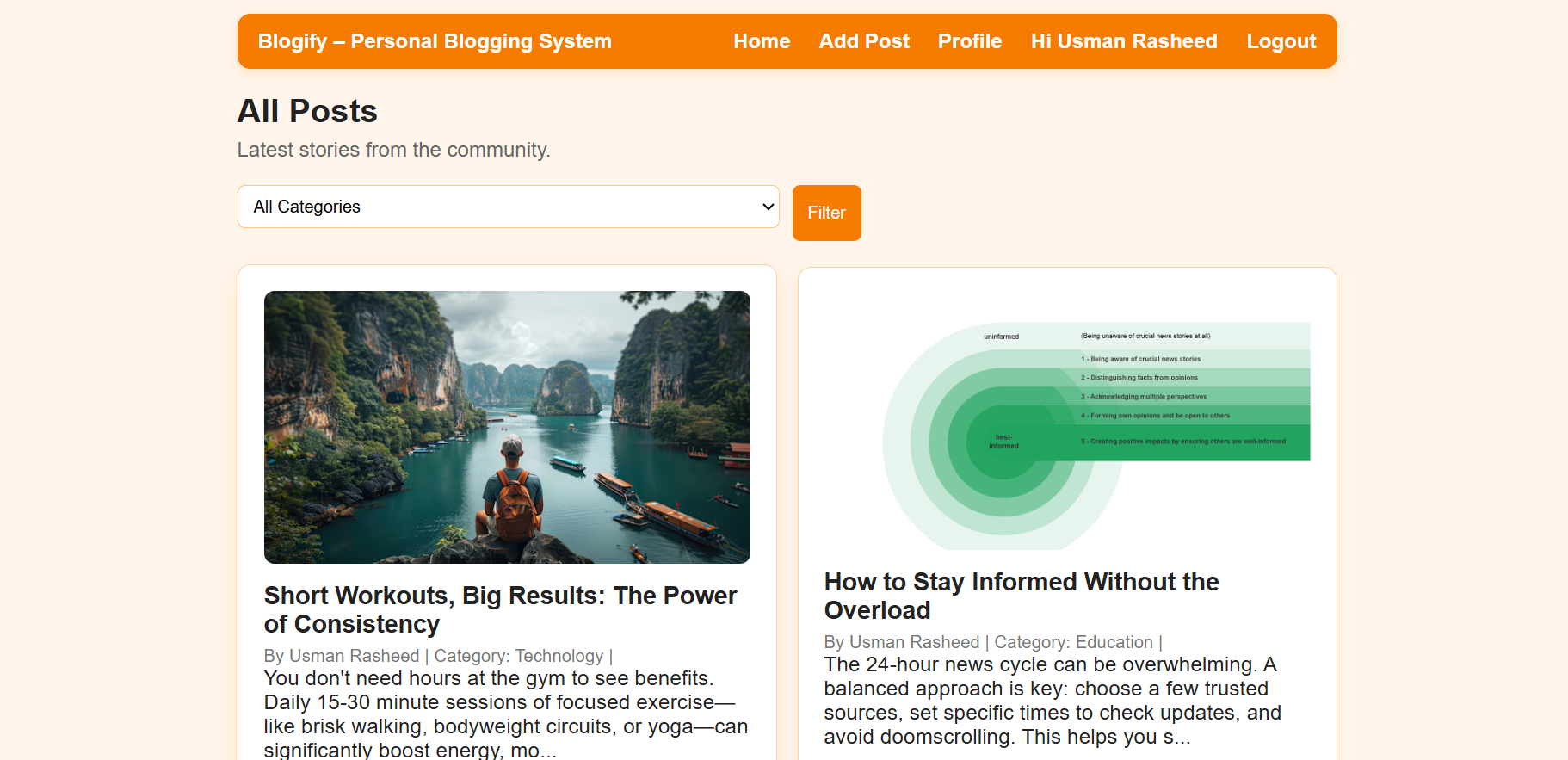
Blogify opens with a clean article feed that puts the content first. Readers can browse the latest stories, identify the author and category, scan summaries, and open the full post without fighting through a complicated interface. The category filter and search experience turn the home page into a useful archive rather than a static list, while server-side pagination keeps the feed efficient as the number of articles grows.

The Publishing Studio
From an empty form to a managed article library
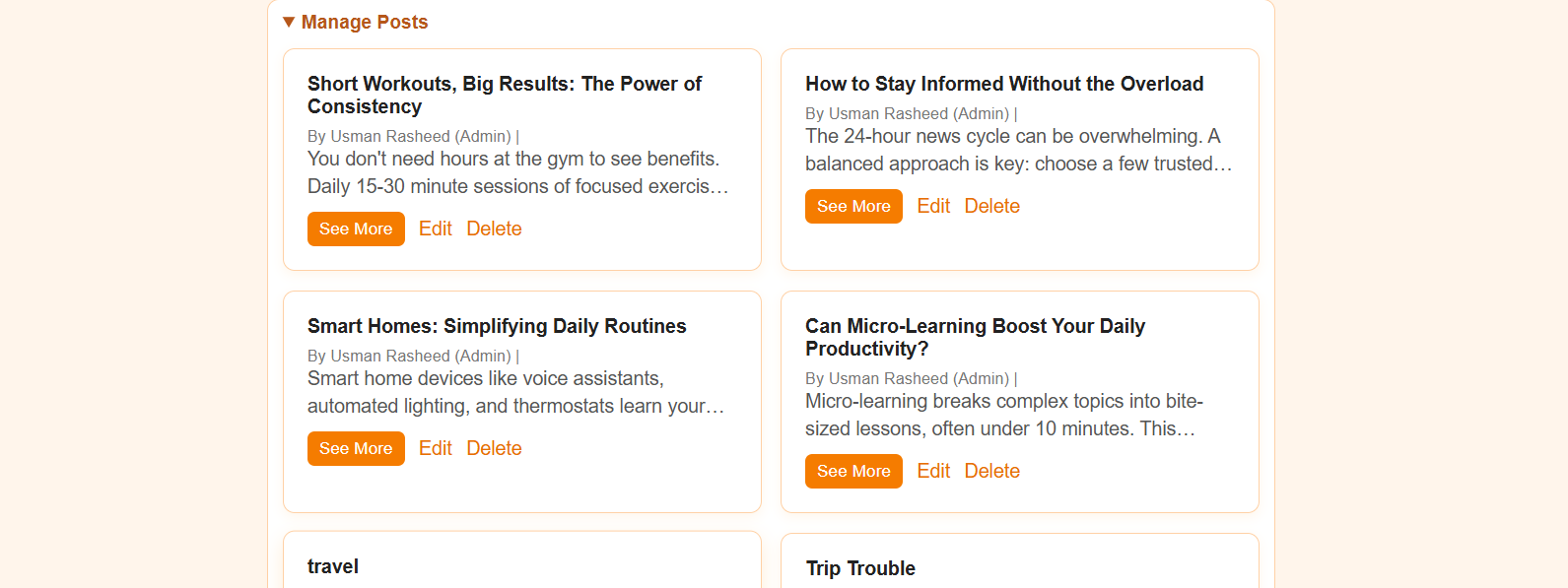
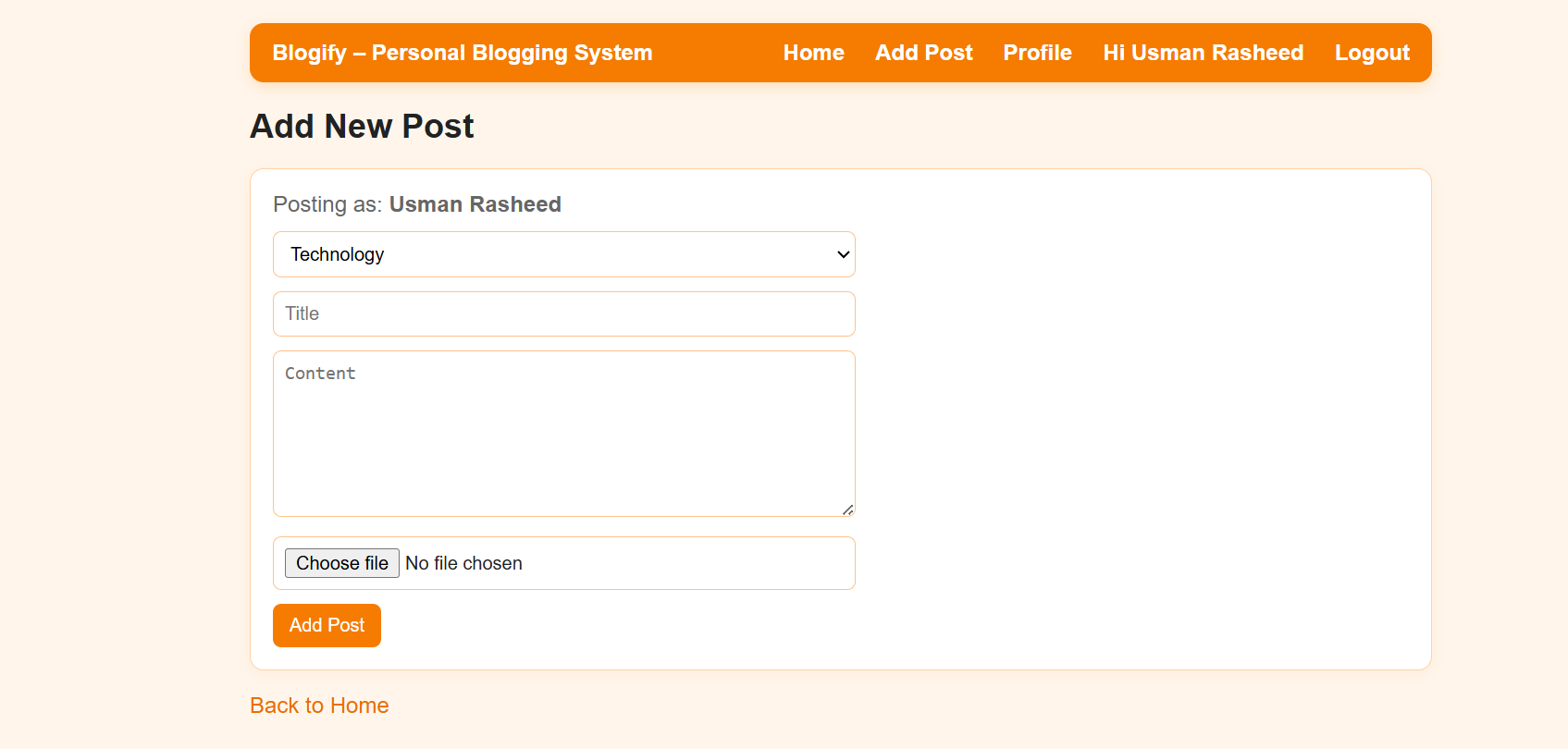
Authors and editors get a practical publishing workflow for creating, editing, and deleting rich blog posts. The add-post view handles category selection, title and content entry, and cover-image uploads, while the content management side gives authorized users a clear overview of their existing work. This separation keeps creation simple for authors while preserving editorial control for the wider system.

The Community Layer
Profiles, dashboards, and article discussions
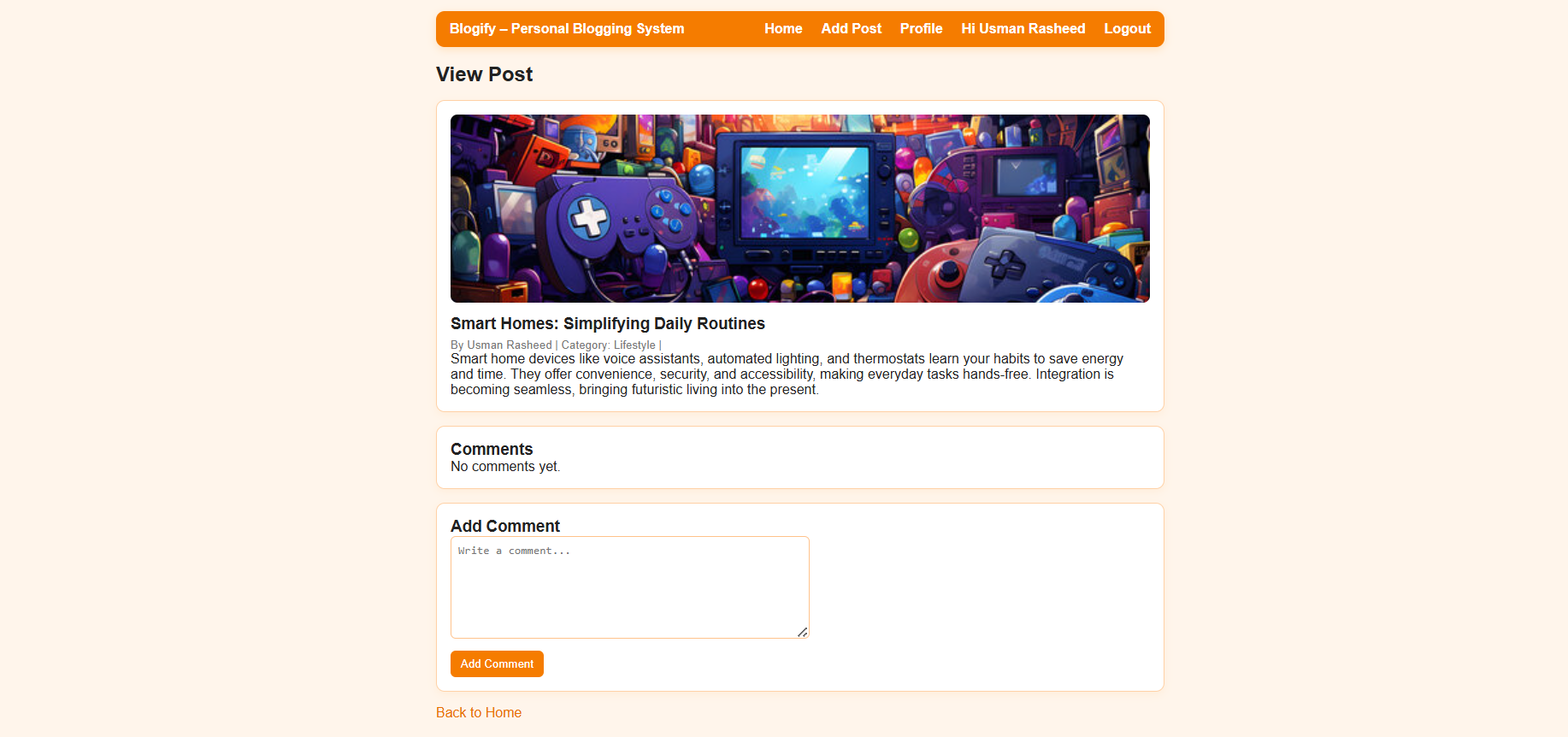
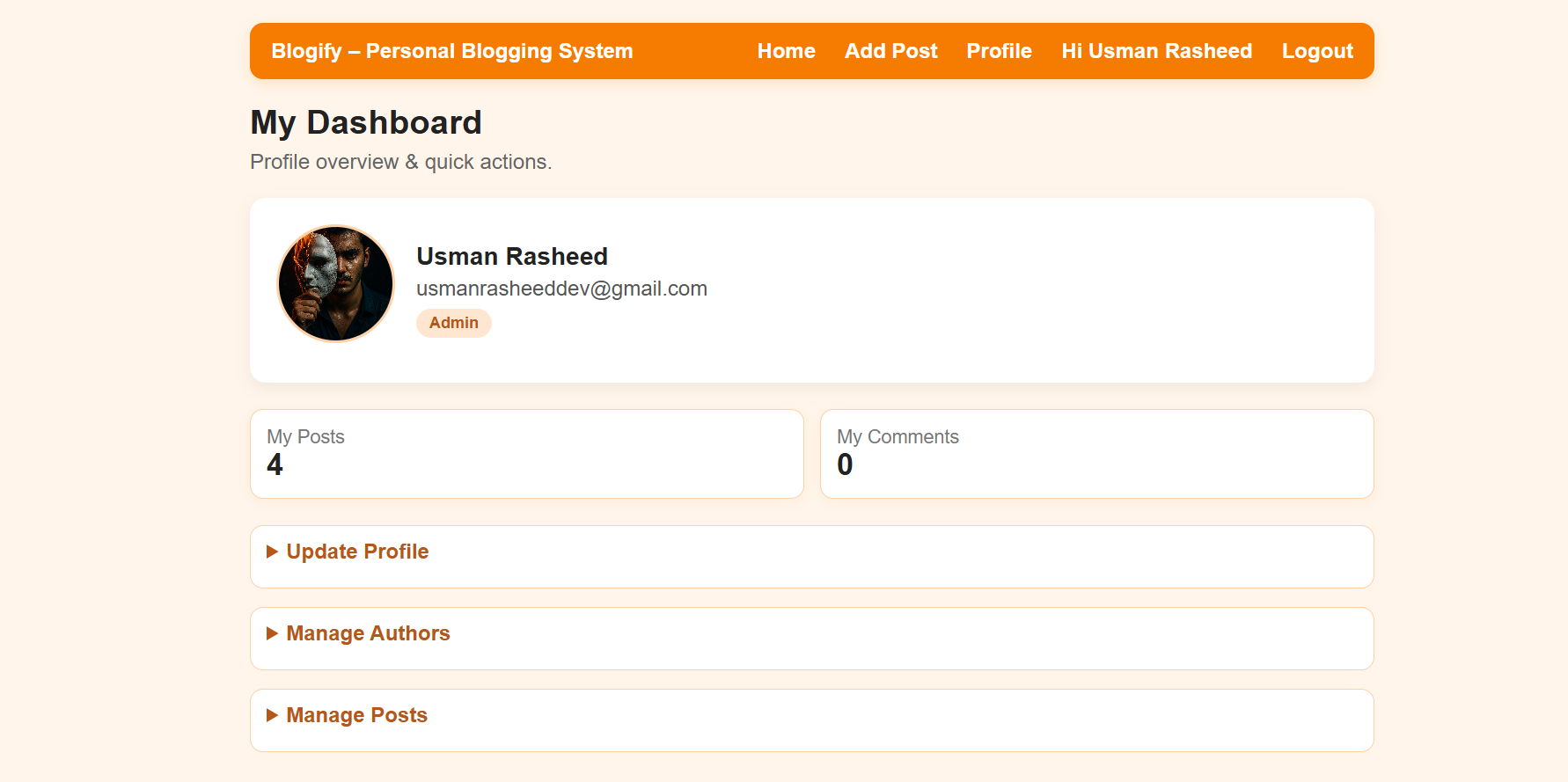
Blogify treats readers as participants rather than anonymous page views. The profile dashboard surfaces identity, role, personal post and comment counts, and quick actions. On each article, the discussion area lets users add comments and follow the conversation. Administrators can moderate those comments, while profile and avatar support makes the experience feel like a real community system instead of a collection of disconnected PHP pages.
The Control Plane
RBAC, moderation, and deployment flexibility
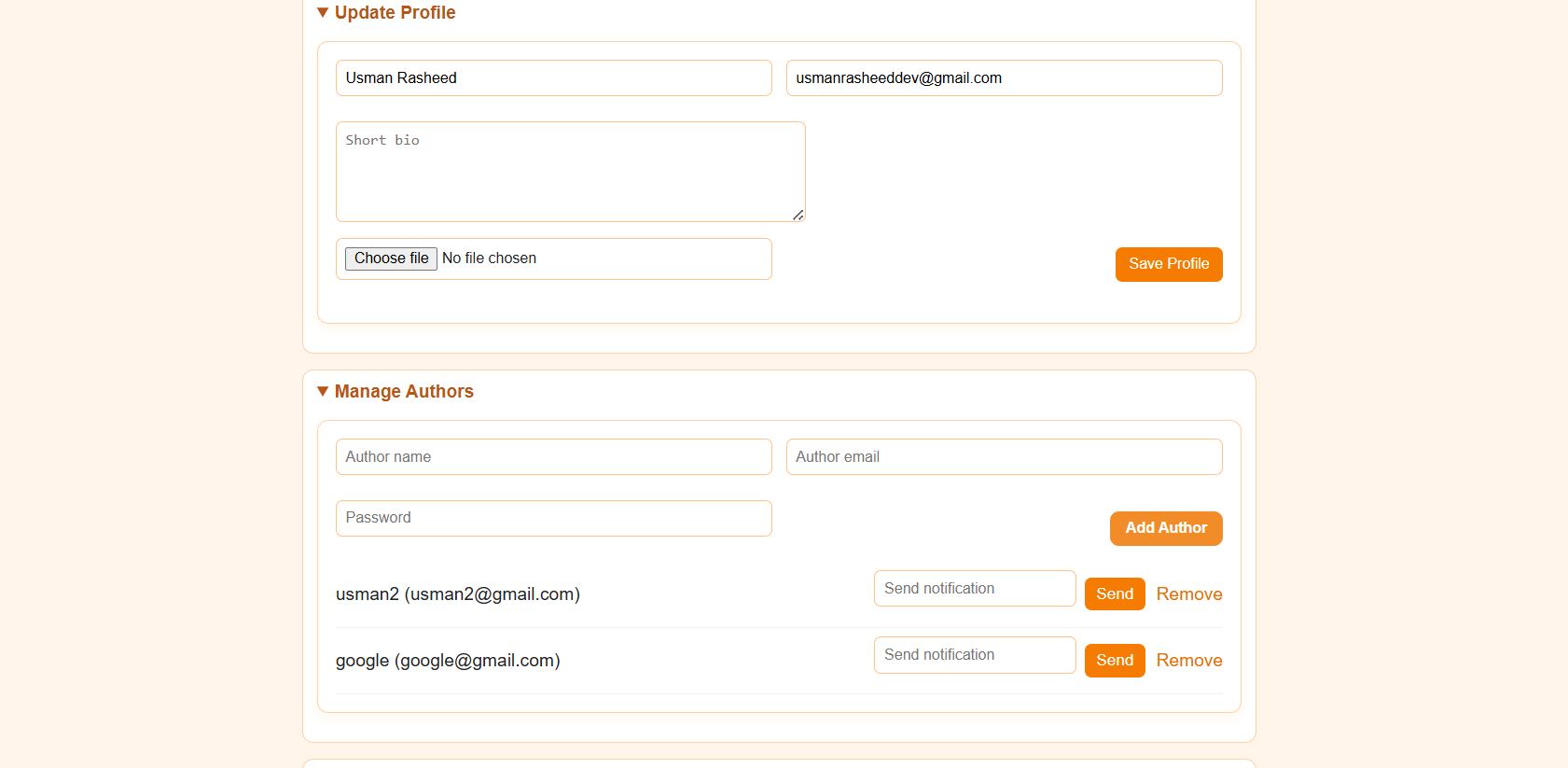
The platform's strongest engineering feature is the control layer behind the UI. Admin, Author, Editor, and User roles determine what each person can see and change. Administrators can manage authors, moderate posts and comments, and review system activity from the dashboard. Underneath, prepared PDO statements protect database access, password_hash and password_verify provide secure credential handling with legacy migration, and the dual MySQL/SQLite architecture lets Blogify move from XAMPP or WAMP hosting to Vercel serverless deployment without rewriting the application.
Let's build your next publishing platform
Need a content system with roles, moderation, search, and a reliable publishing workflow? Let's talk.